Jan 18 / Ricky Tam

How to Book the Life in the UK Test with an eVisa (Step-by-Step Guide 2026)

Introduction

You have finally decided to book your Life in the UK test, but as you begin the process, you hit an unexpected wall: the system asks for a share code. If you hold an eVisa rather than a physical Biometric Residence Permit, this requirement can feel confusing. Where do you find this code? Which option should you select? What happens if you choose the wrong one?

Take a breath. This guide walks you through every step of generating your share code and completing your test booking. The process is simpler than it appears — and in about fifteen minutes, you will have your test booked and confirmed.

A minimalist home office desk with a laptop displaying a UKVI account dashboard, representing the calm first step of booking a Life in the UK test with an eVisa.
Empty space, drag to resize

What is an eVisa Share Code?

If you applied for or renewed your UK visa recently, you likely received an eVisa — a digital record of your immigration status held in your UK Visas and Immigration (UKVI) account. Unlike a physical BRP card that you can show at a test centre, your eVisa exists online. A share code is a temporary, secure code that allows organisations to verify your immigration status digitally.

Share codes are 9-character alphanumeric codes that typically begin with the letter 'S'. Your share code is valid for 90 days. This gives you a generous three-month window to book and sit your test without needing to generate a new code every few weeks. For the Life in the UK test booking, you will generate a share code specifically for proving your general immigration status.
A tablet screen showing a stylized UKVI share code on a purple background, illustrating the essential digital key needed for test booking.
Empty space, drag to resize

FREE RESOURCE 

Ready to start preparing?


Our 3-Day Starter Kit gives you:

Test format demystified

The most-tested British Values

Top 10 facts that appear in 80% of tests

Empty space, drag to resize

Step-by-Step: Generate Your UKVI Share Code
Follow these eight steps carefully. The entire process typically takes five to ten minutes.
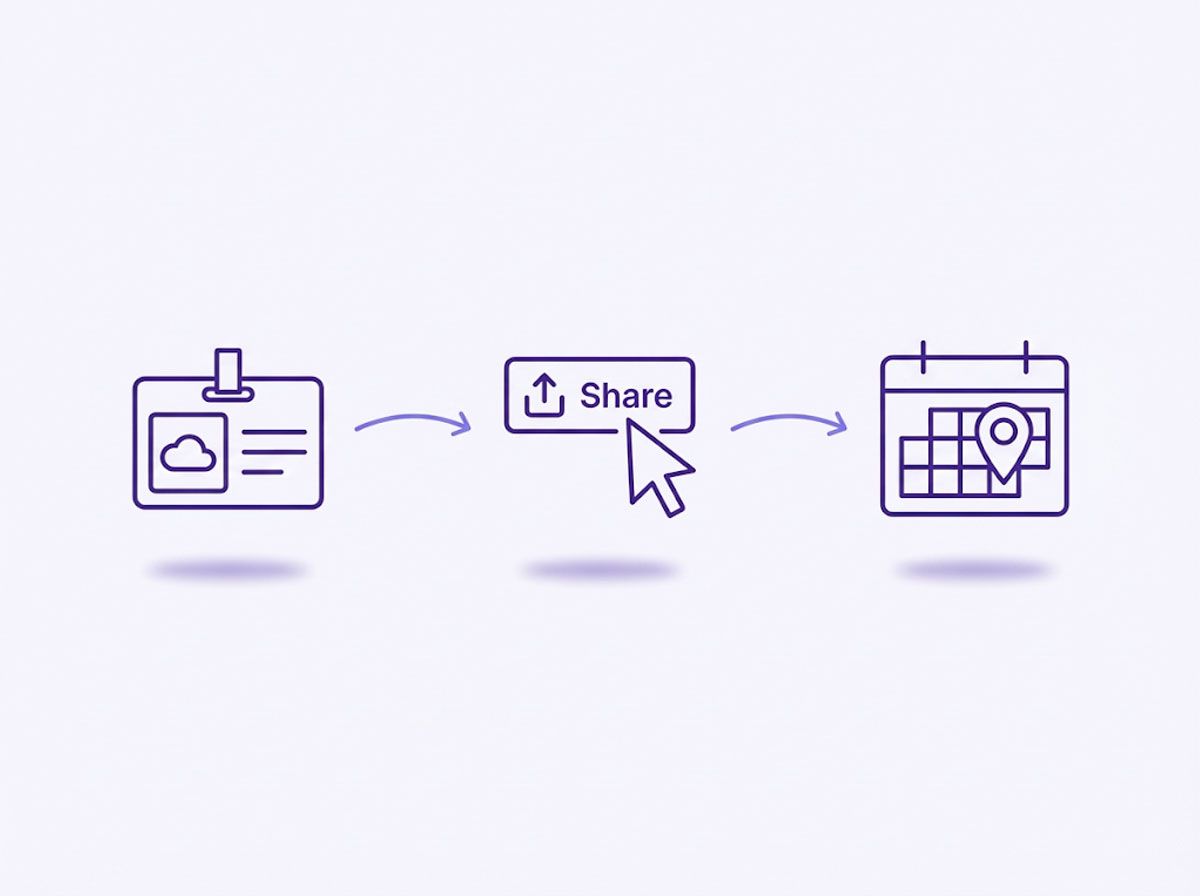
A minimalist process infographic showing the three main stages of booking a Life in the UK test using an eVisa: generating a share code, verifying details, and confirming the test date.

1. Go to the official "View and Prove your immigration status" service

Visit the GOV.UK website and search for "prove your immigration status" or navigate directly to the UKVI online service. This is the only official portal for accessing your eVisa and generating share codes.

2. Click "Start now" or "Sign in" to access your UKVI account

You will be directed to the sign-in page where you can access your digital immigration record.

3. Enter your identity document details and date of birth

You will need details from the identity document you used when you created your UKVI account. This could be your passport, national identity card, or even an expired BRP or BRC. Yes — you can use an expired BRP for account access purposes.

4. Enter the security code sent to your registered contact details

A one-time security code will be sent via email or SMS to the contact details linked to your account. Check your inbox (and spam folder) and enter this code to complete sign-in.

5. Review your immigration status and select "Get a share code"

Once signed in, you will see your eVisa details displayed. Look for the option to "Get a share code" and click it.

6. Select "To prove my immigration status for anything else"

This is the critical step. You will be presented with several options for why you need the share code. For the Life in the UK test, you must select "To prove my immigration status for anything else".

Important Note:
Do NOT select "To prove my right to work" or "To prove my right to rent". These codes are purpose-specific and will be rejected by the Life in the UK booking system. You must select "To prove my immigration status for anything else".

7. Record your share code and expiry date

A 9-character alphanumeric code (beginning with 'S') will appear on screen along with its expiry date. Write this down, take a screenshot, or save it securely. You will need it for the test booking.

8. Keep your share code safe for the booking process

You will need both your share code and your date of birth when booking your test. The share code allows the booking system to verify your immigration status.

Calm Tip: When you generate your code, make a note of the expiry date in your calendar. While 90 days is a long time, the code must still be valid on the day you walk into the test centre. If your test is booked for 91 days after you generated the code, simply log back into your UKVI account and generate a fresh one 24 hours before your test.


Critical: Choose the Correct Share Code Purpose

Do NOT select "To prove my right to work" or "To prove my right to rent in England" — these share codes are purpose-specific and will not work for the Life in the UK test booking. Only the "To prove my immigration status for anything else" option generates a share code valid for general status verification, including test bookings.
Empty space, drag to resize

Step-by-Step: Complete Your Test Booking

With your share code ready, you can now book your Life in the UK test. The official booking website is lituktestbooking.co.uk — this is the only authorised site for test bookings.

1. Visit the official booking site

Navigate to lituktestbooking.co.uk. Avoid any third-party websites that claim to offer booking services, as they may charge inflated fees.

2. Enter your share code and date of birth

The system will use these details to verify your immigration status. Ensure you enter the share code exactly as displayed, including any capital letters.

Calm Tip: 
The system verifies your share code in real-time. If you get an error, check that your name on the UKVI account matches your booking name character-for-character.

3. Select your preferred test centre and date

You will be shown test centres near your registered address. Choose a location and appointment time that suits you. Remember, you must book at least three days in advance.

4. Complete payment (£50)

Pay by debit or credit card. The fee is £50 — if you are being asked for more, you may not be on the official site.

5. Save your confirmation and booking reference

You will receive a confirmation email with your booking reference number. Save this carefully — you will need it on test day.
Empty space, drag to resize

What to Bring on Test Day

Unlike candidates with physical BRP cards, eVisa holders need to bring specific documentation to verify their identity:

Your share code

Printed or clearly written down. Test centre staff will use this to verify your status.

The identity document you used to create your UKVI account

Yypically your passport or national identity card.

Your booking confirmation email

While not always strictly required, having this provides peace of mind and can resolve any booking queries.

Plan to arrive 15 to 30 minutes before your appointment. This allows time for check-in procedures and reduces stress.
Empty space, drag to resize

Common Mistakes to Avoid

Selecting the wrong share code purpose

This is the most common error. "Right to work" and "right to rent" codes will not work for test bookings. Always select "To prove my immigration status for anything else".

Using an expired share code

Share codes have expiry dates. If your code has expired by your test date, generate a fresh one before travelling to the test centre.

Name mismatches

Ensure the name on your booking matches exactly with your identity document. Discrepancies may prevent you from taking the test.

Forgetting to bring the share code on test day

Without your share code, staff cannot verify your status. Always have it with you — printed, written, or accessible on your phone.

Important Disclaimer

Immigration procedures can change. Always verify current requirements directly at GOV.UK before booking your test. This guide reflects the process as of early 2026 but should not be treated as legal or immigration advice.
Empty space, drag to resize

Now That Your Test is Booked

With your booking confirmed, the real work begins: preparing for the test itself. The good news? You do not need to feel overwhelmed.

Our free 3-Day Life in the UK Starter Kit helps you begin your preparation with clarity and calm. It covers the essential facts, introduces effective study methods, and sets you up for success — all in just three days of focused learning.

For comprehensive, structured preparation, the 20-Day Calm Sprint course takes you through the entire official handbook content in manageable daily sessions. Designed for busy professionals, it ensures you arrive at your test centre feeling confident, not cramped.

Learn more about what to expect on test day in our Life in the UK Test Format Explained guide, or explore our complete Life in the UK Test 2026 — The Complete Calm Guide for the full picture of your journey to settlement.
Write your awesome label here.

FREE RESOURCE

Ready to start preparing?

Our 3-Day Starter Kit gives you:
Test format demystified
The most-tested British Values
Top 10 facts that appear in 80% of tests

About the creator

I'm Ricky — a digital learning experience designer with a background in UX and digital communications. Moving to a new country means navigating change on every front, and I've been through those transitions myself. I built this platform because I believe calm is a competitive advantage, and 'good enough' really is the new perfect. If you're preparing for the Life in the UK test while managing work and life, I know exactly what that feels like.

I know exactly what it's like to stare at 200+ pages of names, dates, and historical facts — wondering how anyone memorises all this while working full-time and managing real life.

The traditional approach felt all wrong to me: cram, panic, repeat. So I created something different.

This course is built on calm, structured learning — the same approach I used to pass first time. It respects your time, treats you like the capable adult you are, and focuses on what actually gets tested.

If I can pass calmly, so can you.

Ricky, creator — Embracing Imperfection Academy

Frequently Asked Questions

Can I use an expired BRP to sign into my UKVI account? 

Yes. An expired BRP can still be used to access your UKVI account and view your eVisa status. The card's expiry does not affect your ability to sign in.

How long is my share code valid?

Share codes are typically valid for 90 days from generation. Check the expiry date displayed when you create your code, and generate a new one if needed closer to your test date. 

What if my code expires before I pass?

Don't panic. Expired codes don't affect your immigration status; they just stop working for verification. You can generate a new 90-day code instantly by logging back into the 'View and Prove' service.

What if I cannot access my UKVI account?

If you are having trouble signing in, check that you are using the correct identity document details and that your contact information is up to date. For persistent issues, contact the UKVI Resolution Centre for assistance.

References

Created with